Wassup in a Minute AI Video Generator
Put yourself in the sway with one full-body photo. You keep your own face and outfit, rocking side to side like the anime edits that made it famous.
Create your video
1Your photo
Best results: one adult, full body from head to toe, facing the camera in even light. Avoid sunglasses, masks and heavy filters.
2Length
Motion reference: 2.5-second excerpt, @ristyisvalid; art credited to @Zayy. Trend examples are TikTok fan edits shown to illustrate the meme, not made with this tool. The photo-to-video samples further down were made with this tool from AI-generated photos of fictional people. Your output is a 4-second vertical video of your own photo.
The catch
Why this sway is harder than it looks
It looks easy until you film it
The move is only a lazy side-to-side rock, which is exactly why stiff shoulders or rushed hips stand out right away.
The backdrop gives nothing away
A plain, bright background and a head-to-toe frame need clear wall space, even light and someone standing well back with the camera.
The originals are drawn
The edits that made it famous are animation, so their smooth, looping motion is hard to match in a real room in one take.
Side by side
Filming the sway yourself vs. using AI
| Filming it yourself | With AI |
|---|---|
| Practise until the rock looks relaxed | No moves to learn, the motion comes from the clip |
| Clear a wall and even out the light | Any bright full-body photo works as a start |
| Get someone to film you head to toe | No camera or helper needed |
| Trim and export on your phone | Download a vertical MP4, add the sound when you post |
How it works
How to make a Wassup in a Minute AI video in 3 steps
- 1
Upload one full-body photo
One adult, head to toe, with shoes in frame and a sharp face. JPG, PNG or WebP up to 10 MB.
- 2
Confirm and generate
Tick the consent box and start. Each 4-second clip uses 40 credits, and you can leave the page while it renders.
- 3
Download and post
The render takes a few minutes. Download the 720p MP4, then pick the sound inside TikTok before you post.
Made with Wassup in a Minute AI
One full-body photo in, one sway out
No timeline, no green screen, no prompt to write. The motion comes from the reference clip and your look comes from your photo.
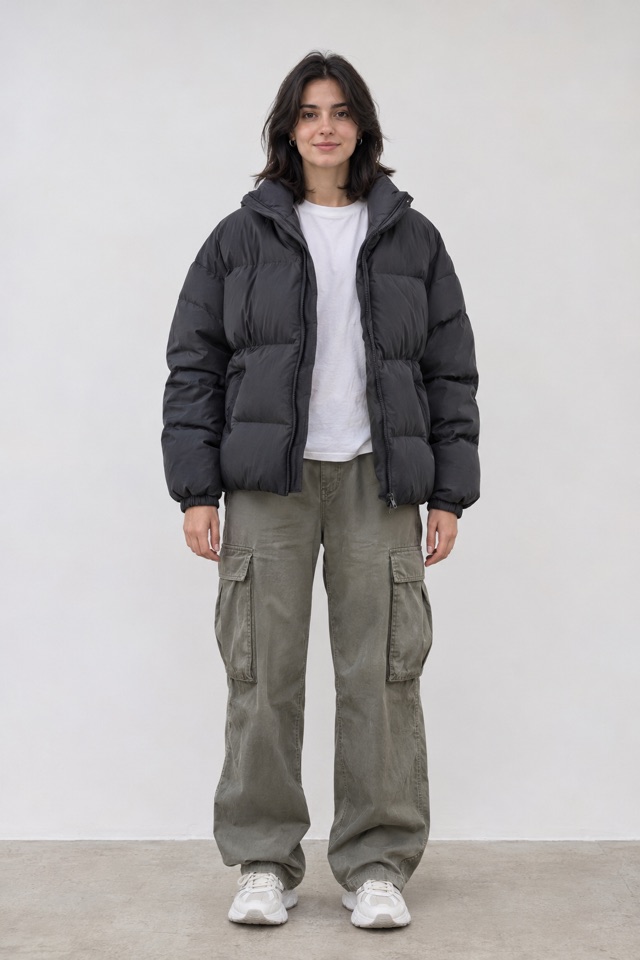
Generated clip
About the trend
What is the Wassup in a Minute trend?
Wassup in a Minute started as an anime TikTok meme: a character stands alone on a bright, empty background and sways from side to side to a looping club-style sound. It took off in late 2026 through fan edits that redrew Blue Lock players in puffer jackets and gold chains, a look fans nicknamed Atlanta Lock. Other fandoms soon dropped their own characters into the same sway, and you will also see it searched as Wassup Been a Minute.
This tool takes the Wassup in a Minute sway off the drawing board. Upload a single full-body photo of yourself or a consenting adult, and the model animates you through the motion in the outfit you are wearing. There is nothing to choreograph, and the Wassup in a Minute video comes out vertical and ready to post.
Read the full trend guideFeatures
What goes into your clip
Built for full-body shots
The sway shows you head to toe, so your photo’s shoes, trousers and jacket carry through instead of being invented.
Motion from the reference
The rock, the lean and the timing follow the reference clip. Your photo only decides who is doing it.
Vertical and ready to post
Exports in 9:16 so it drops straight into TikTok, Reels or Shorts.
Four seconds, made to loop
Every clip is a 4-second 720p vertical MP4, short enough to replay and stitch into a lineup.
Private by default
Uploads are stored privately, used only for your render and deleted automatically 7 days after upload.
Fair billing
Credits never expire. If a render fails, the credits go straight back to your balance.
Ideas
What to do with your sway
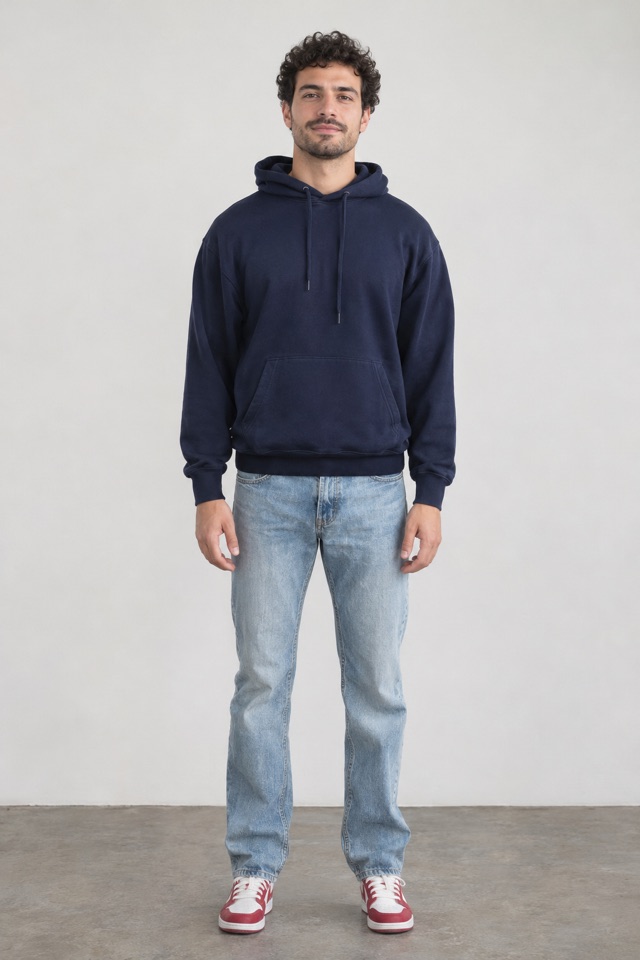
Add yourself to the lineup
Anime versions are captioned with whoever just joined the roster. Post yours the same way and announce your own addition.
Try it with your photo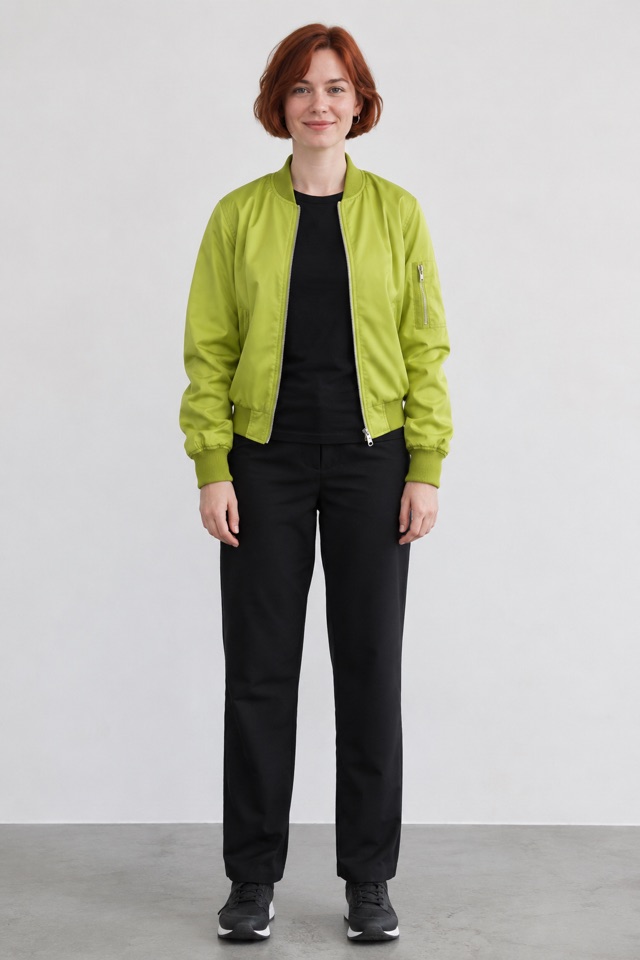
Roster your friends
With their OK, make a clip for each friend and stitch them in turn, like the character-by-character edits.
Try it with your photoShow off a fit
The head-to-toe frame suits streetwear. Wear your puffer and chain for your own take on the Atlanta Lock look.
Try it with your photoPricing
Pay once, use whenever
A 4-second video uses 40 credits. One-time packs, no subscription, no expiry.
Starter
Try the trend
$9.90
90 credits
Makes 2 × 4s videos
- Credits never expire
- One photo per video
- 720p vertical MP4, no watermark
- Automatic refund on failed renders
Popular
For you and your friends
$19.90
180 credits
Makes 4 × 4s videos
- Credits never expire
- One photo per video
- 720p vertical MP4, no watermark
- Automatic refund on failed renders
Creator
For regular posting
$39.90
480 credits
Makes 12 × 4s videos
- Credits never expire
- One photo per video
- 720p vertical MP4, no watermark
- Automatic refund on failed renders
Max
For a full lineup and then some
$69.90
950 credits
Makes 23 × 4s videos
- Credits never expire
- One photo per video
- 720p vertical MP4, no watermark
- Automatic refund on failed renders
Prices in USD. Taxes are calculated at checkout by our payment partner.
What is the Wassup in a Minute meme?
It is a TikTok trend built on a side-to-side sway on a plain bright background, first spread by anime fan edits. This site is an independent tool that makes the same kind of clip from your own photo.
Where the sway came fromWhich photo works best?
A full-body photo of one adult, head to toe, with a sharp face and even light. A waist-up shot leaves the model guessing at your trousers and shoes. Group shots, sunglasses and strong filters lower the quality.
Photo tips for a better resultDoes the video include the song?
No. The song belongs to its rights holders, so we do not add it. Download the clip and choose the sound inside TikTok when you post, which is also how your video gets found under that sound.
Can I use Blue Lock or other anime characters?
No. This tool is for photos of real adults: you, or someone who has given permission. Please do not upload characters owned by someone else.
Are Wassup in a Minute and Wassup Been a Minute the same thing?
People use both names, along with other spellings of the sound, to find the same sway. Atlanta Lock refers more to the streetwear look of the Blue Lock fan edits.
How long does a render take?
Most videos finish in 2–8 minutes depending on the queue. You can close the page; finished videos wait in My videos.
How do credits work?
Each 4-second video costs 40 credits. Credits are bought in packs, never expire and are refunded automatically if a render fails.
Can I use someone else’s photo?
Only with their permission, and never photos of minors, celebrities or public figures. Accounts that break this rule are closed.
What happens to my photos?
Uploads are private, used only to make your video and deleted automatically 7 days after upload. Finished videos are kept for 30 days after they finish. Deleting your account removes everything right away.
Your sway is one photo away
Stand tall, get your shoes in the frame and let the clip do the moving.
Make my sway · $9.90+